
At a glance
Sierra ChartGo To Date Time and Go To End
Time, Range, Tick and Volume charts
Once per Sierra Chart username
Or free with any paid journal plan
Go To Date Time
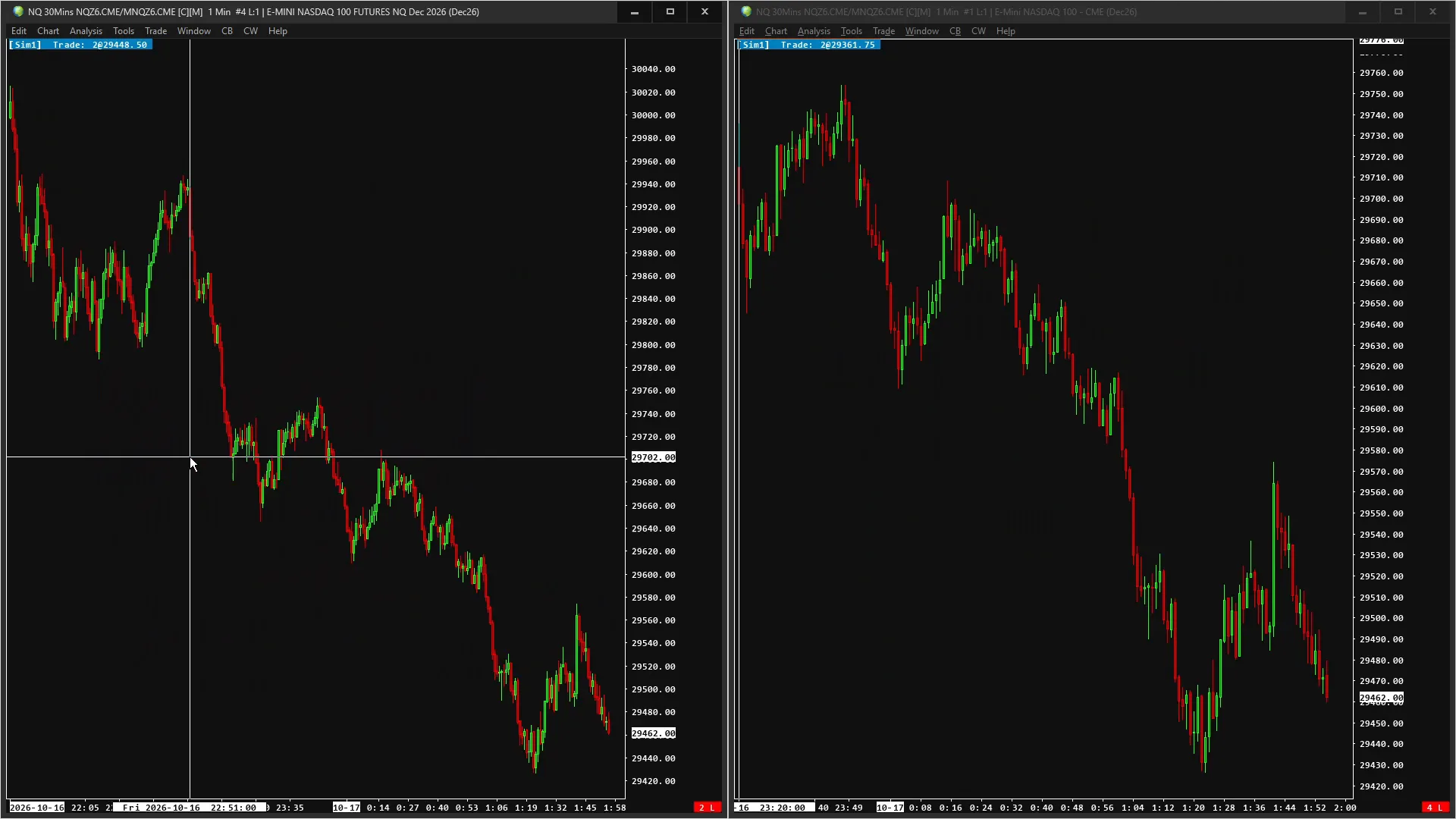
Every chart running Chart Navigator scrolls to the date and time of the bar under your cursor.
Any bar type
Each chart lands on its nearest bar, so time, Range, Tick and Volume charts line up on the same moment.
Go To End
Every chart jumps back to its own most recent bar.
Buttons and shortcuts
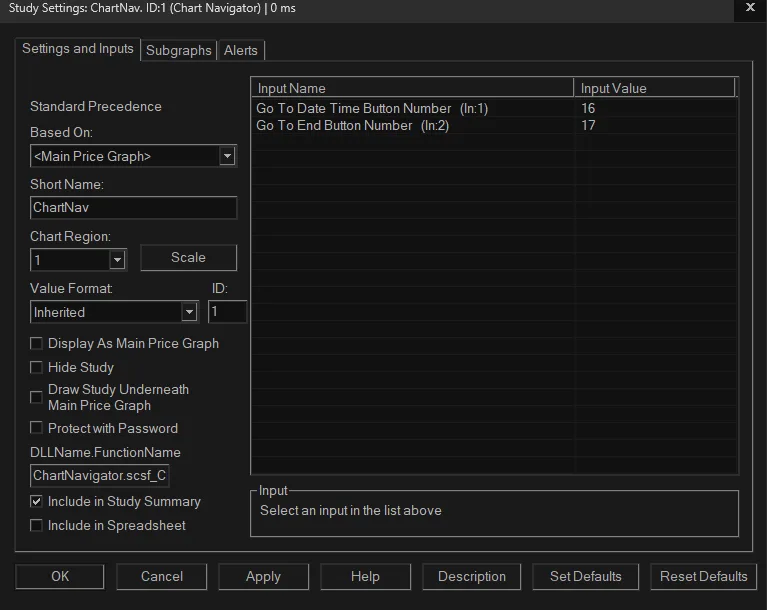
Control Bar buttons and keyboard shortcuts of your choice, set up once in Sierra Chart.
Nothing on the chart
The study draws nothing; it only moves the charts.
Free with the journal
Any paid Parallax Trading Journal plan includes Chart Navigator for the Sierra Chart username you enter in the journal.
Enter your Sierra Chart username
At checkout, or in the free trial box. It’s in Sierra Chart under Help >> About, “Account Name/Username”.
Restart Sierra Chart
File >> Exit, then start it again. Sierra Chart downloads the study when it starts; until then it won’t run.
Add the study
Analysis >> Studies >> Add Custom Study >> Parallax Chart Navigator.
How you get it
Parallax Chart Navigator is enabled for the Sierra Chart username you enter at checkout or in the free trial box: there is no key to type into Sierra Chart. Restart Sierra Chart after buying or starting a trial. Typed the username wrong? Change it at parallaxchart.com/studies/username with the licence key from your receipt. Journal customers get it free: enter your Sierra Chart username in the journal under Settings → Sierra Chart study.
Payment is handled by our payment service, which acts as the seller of record. See the terms and refund policy.
Specifications
All three studies, one purchase
Volume Profile Suite · RSI Divergence · Chart Navigator. Bought separately they cost $104. One payment, every update included.
Pair it with the journal
The Parallax Trading Journal records every Sierra Chart trade, and any paid plan includes Parallax Chart Navigator.